 English
 Русский
Your Goal
Check the text of an SMS that was sent to your rented virtual phone number in order to receive a one-time verification code for signing up or logging in to a social network or any other online service.
Environment
To receive and view an SMS on your virtual number, you will need a computer, smartphone, tablet, or any other device that allows you to log in to your virtual number provider’s dashboard.
Prerequisites
Before you begin, make sure the following conditions are met:
-
The device you are using to view SMS in your provider’s dashboard is connected to the internet.
-
You have chosen a virtual number provider, registered, and logged in to your personal dashboard.
Steps
-
Obtain a virtual phone number from your provider.
-
Start the login or registration process on the website or app of the service or social network (such as Telegram, WhatsApp, Facebook, Viber, Microsoft, etc.).
-
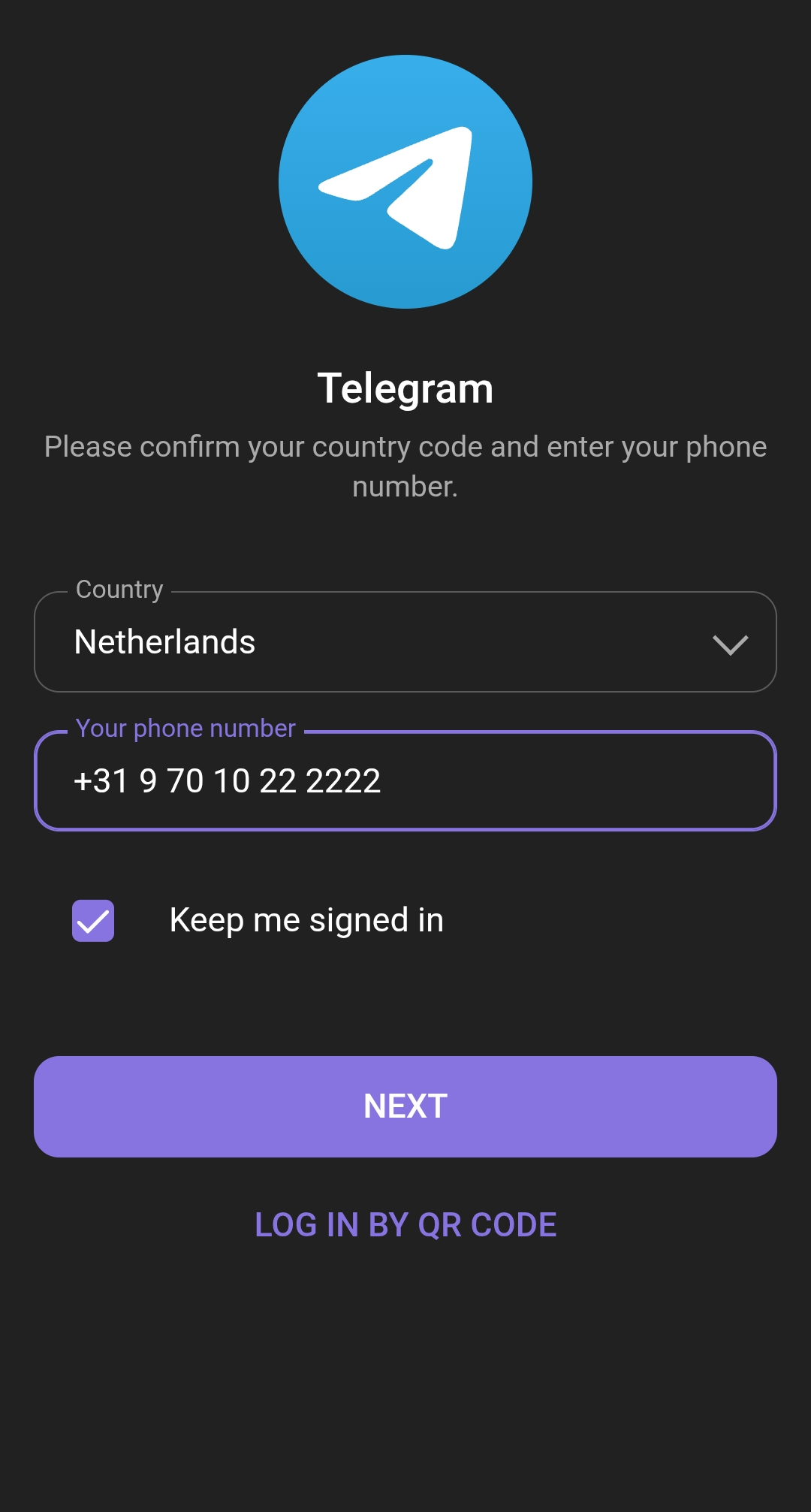
Enter your virtual number when prompted to provide a phone number, then click the corresponding button (“Next”, “Continue”, “Get Code”, or similar — the label may vary):
-
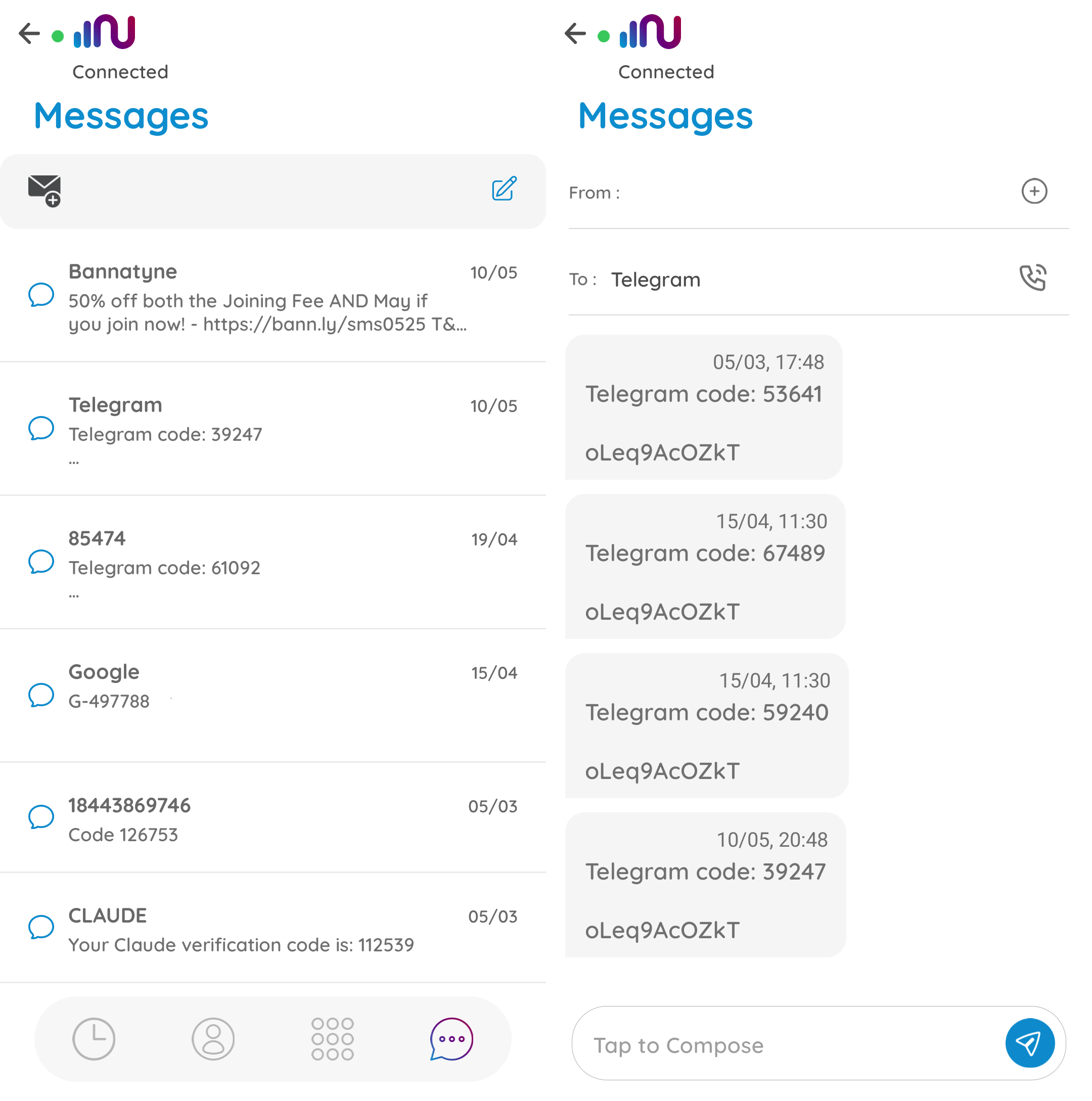
Open your provider’s dashboard and check the section where notifications or messages arrive. Locate the SMS containing the requested code:
-
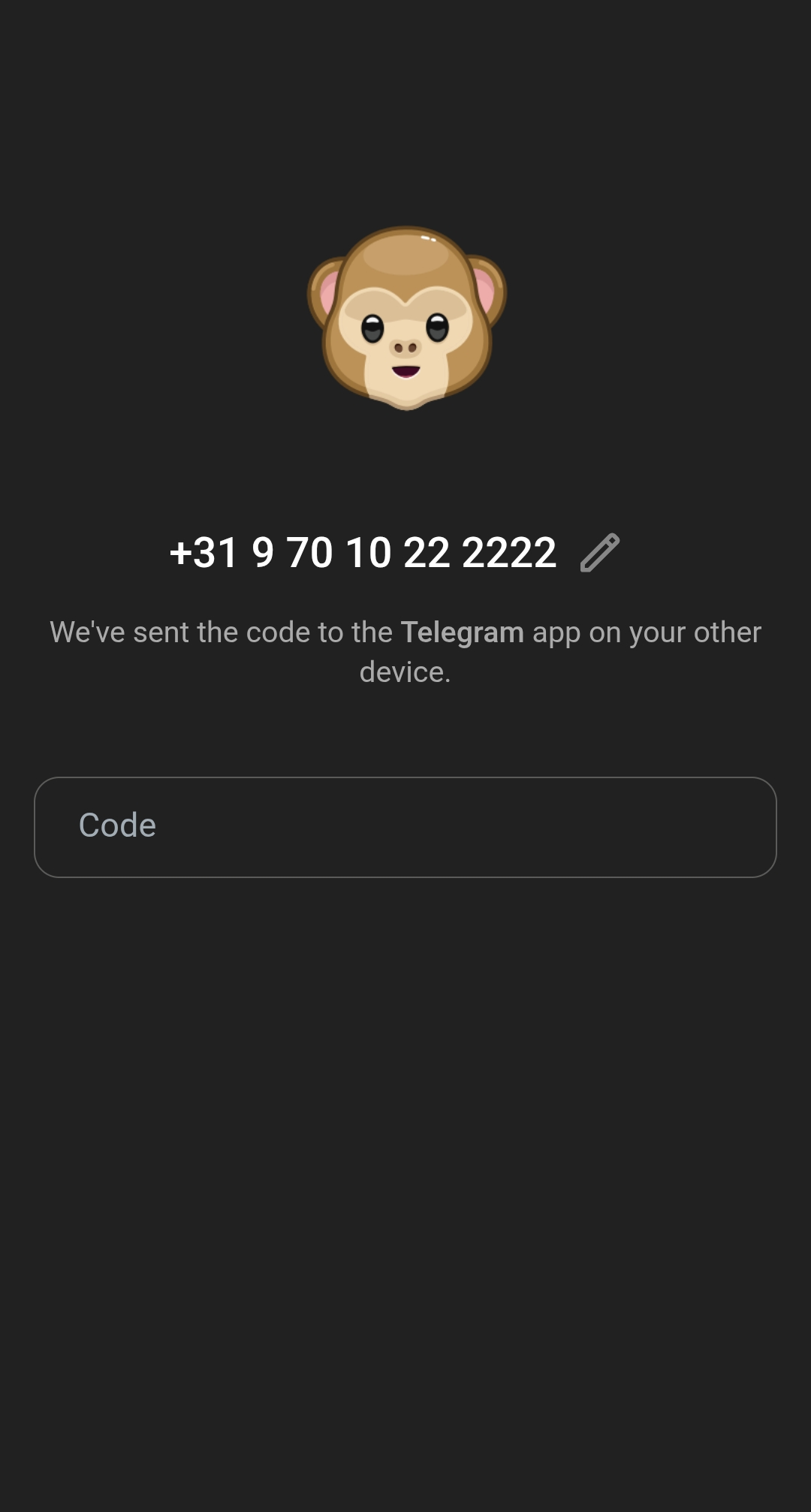
Copy and enter the verification code into the corresponding field on the service’s website or app, then continue:
Done!
You’ve successfully completed the login or registration process using your virtual number.